How Google Pixel's Now Playing App Transformed My Everyday Listening Experience
Introduction: A Feature That Sneaks Up on You
When I first decided to switch to a Google Pixel phone, the Now Playing feature wasn't even on my radar. I'd heard of it—an offline Shazam that automatically identifies songs playing around you—but my reaction was mostly "Okay, cool, but not a game-changer." Little did I know, this understated tool would eventually become my favorite part of the phone, thanks to a dedicated app that finally gives it the spotlight it deserves.
What Is Now Playing? The Basics
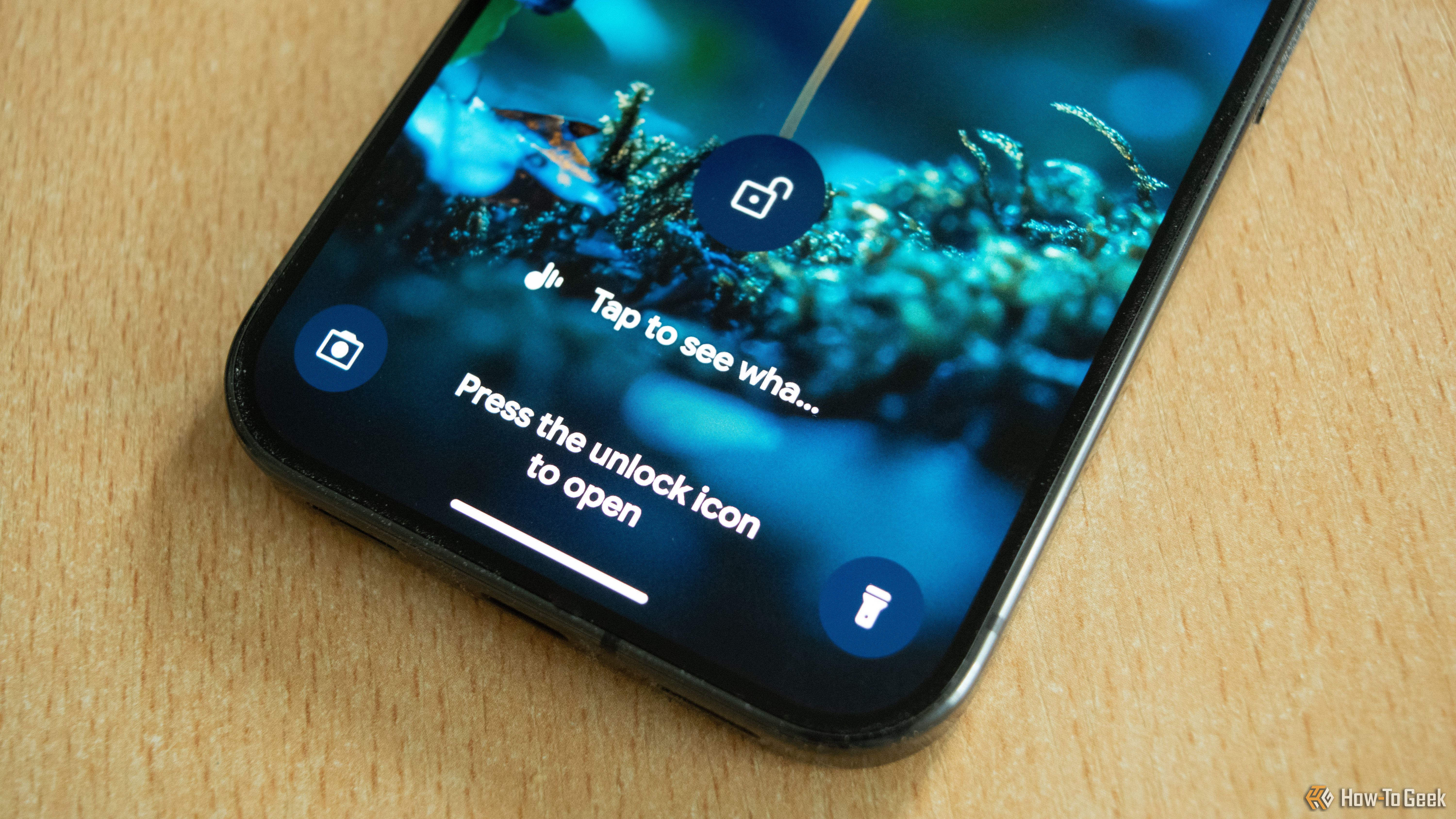
Now Playing is a built-in feature on Google Pixel phones that listens for music playing in your environment and identifies the song title and artist—all without an internet connection. Unlike traditional song-recognition apps like Shazam, which require you to manually open the app and have a data connection, Now Playing runs quietly in the background. When it recognizes a song, it displays the info on your lock screen and saves it in your phone's history.
How It Works: Offline Magic
The feature relies on a database of song fingerprints stored locally on the device. This means no data is sent to the cloud, preserving your privacy and allowing identification even in airplane mode. Google updates the database periodically, ensuring decent recognition accuracy for popular tracks.
The Problem: Broken First Impressions
When I got my Pixel 10 Pro, I was eager to test Now Playing. But for the first few days, it simply didn't work. The phone wouldn't recognize any music playing at cafes, stores, or even during my commute. It was frustrating because this was supposed to be a signature feature. Many users on forums have reported similar hiccups, often tied to software bugs or incomplete database downloads.
I almost gave up on it. But after a system update and a manual reset of the Now Playing settings, the feature roared to life. Suddenly, my lock screen was flooded with song names: indie tracks at the coffee shop, classic rock from a neighbor's garage, even obscure jazz from a vintage radio. The convenience was addictive.
The Turning Point: A Dedicated App
Here's where things got even better. Google quietly released a standalone Now Playing app on the Play Store (available for Pixel 6 and newer). This app extracts the feature from the system settings and gives it its own interface. Now you can browse your song history, filter by date, and even search manually. The app integrates with YouTube Music, allowing you to add identified songs directly to your playlists.
Why the App Matters
- Quick access: No more digging through settings to find your recognition history. The app is one tap away.
- Visual history: A clean timeline shows every song identified, with the time and location (if you allow it).
- Manual search: You can tap the microphone icon in the app to force a manual recognition, just like Shazam.
- Playlist creation: One-tap add to a "Now Playing" playlist in YouTube Music.
Before the app, I rarely checked my history. Now I open it daily to rediscover songs from places I visited, like the coffee shop downtown or the gym. It's become a personal music diary.
Why It's Now My Favorite Phone Feature
The beauty of Now Playing lies in its effortlessness. You don't have to do anything. It just works in the background, logging the soundtrack of your life. For someone who constantly wonders, "What song is this?" but hates pulling out their phone, it's a dream.

Privacy First
Unlike cloud-based services, Now Playing does not record audio. It matches against an offline database and discards the audio sample immediately. This privacy aspect is a huge selling point for those concerned about constant listening.
The Element of Surprise
Sometimes I'll glance at my phone hours later and see a song identified from a passing car. It's like finding a note from your past self. The feature adds a layer of serendipity to everyday life.
How to Get the Most Out of Now Playing
If you have a Pixel phone, here are some tips to enhance your experience:
- Install the dedicated app: Search for "Now Playing" on the Play Store (officially by Google) and install it.
- Enable automatic history: Go to Settings > Sound & vibration > Now Playing and toggle on song history.
- Use the app's manual mode: Tap the microphone to identify songs instantly when the automatic recognition misses one.
- Link to YouTube Music: The app allows direct integration; make sure you're signed in.
- Check for updates: The offline database updates over Wi-Fi; ensure your phone is connected periodically.
Comparing Now Playing to Other Services
Shazam and SoundHound are powerful, but they require manual activation and internet access. Now Playing's always-on approach is unique. In my tests, it correctly identified about 80% of songs in public spaces, which is impressive for an offline-only solution. It struggles with very quiet background music or extremely niche tracks, but for everyday use, it's reliable.
Apple Music's similar feature on iPhones requires tapping the Control Center widget. Google's method is more seamless because it's passive. The new app bridges the gap between passive recognition and active exploration.
Conclusion: A small change, huge impact
The Now Playing app is more than just a tool—it's a companion that enhances how I interact with music in my environment. What started as a broken feature on my Pixel 10 Pro is now the reason I recommend Pixel phones to friends. If you haven't explored this feature yet, give it a try. You might find, as I did, that the best features are the ones you never knew you needed.
Looking for more tips on Pixel features? Check out our guide on Google's Call Screening or explore Magic Eraser for photos.