AMD GPU Fan Glitch: How the Zero RPM Feature Misfires After Driver Update
Recently, a number of AMD GPU owners have taken to Reddit to report a frustrating issue following a driver update. The problem involves the Zero RPM feature, which is designed to stop fans when the GPU is under low load to reduce noise. After updating to the AMD Adrenalin 26.5.1 driver, users are finding that when their monitor goes to sleep or is turned off, the Zero RPM feature malfunctions, causing GPU temperatures to rise unexpectedly. This Q&A breaks down what's happening, why it matters, and what you can do about it.
What exactly is the issue with the AMD Adrenalin 26.5.1 driver?
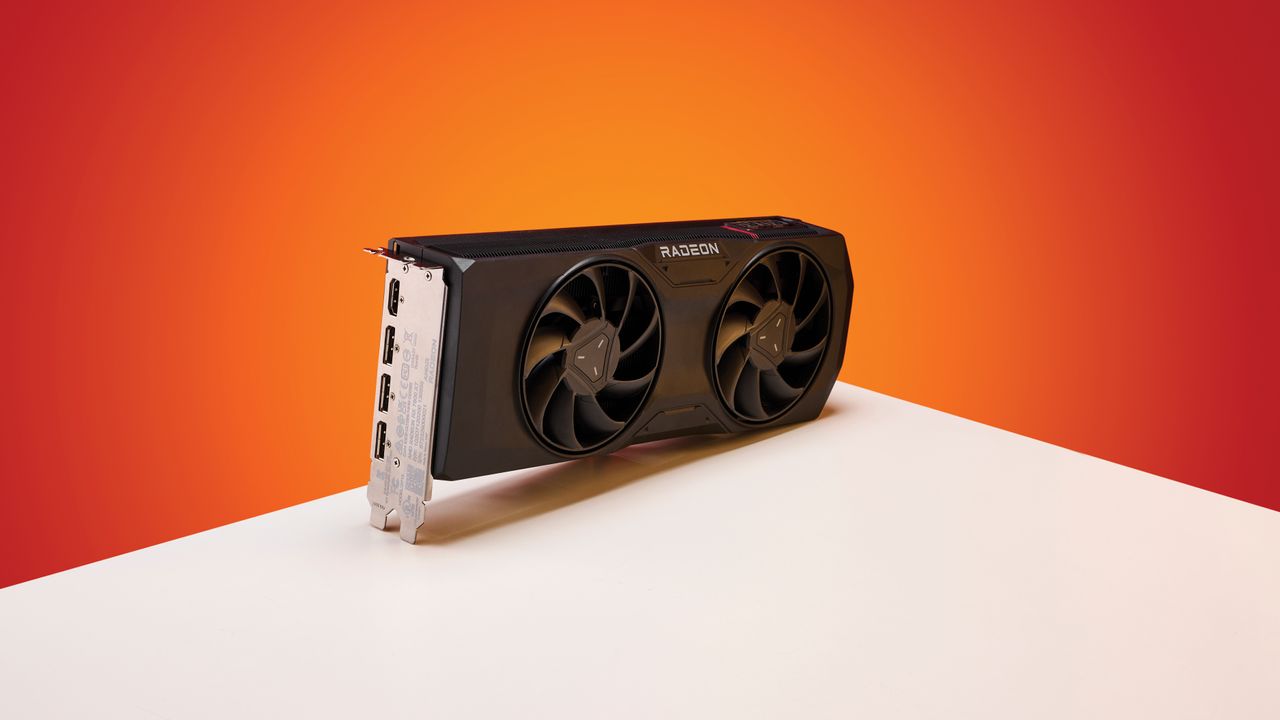
The core problem lies with the Zero RPM feature on AMD graphics cards. Normally, this feature keeps the GPU fans completely off when the card is idle or under minimal load, ensuring silent operation. However, after updating to driver version 26.5.1, users report that the feature stops working correctly once the monitor enters sleep mode or is manually turned off. Instead of resuming normal fan control when the monitor wakes up, the fans may either stay off completely or spin erratically. This leads to the GPU temperature climbing higher than normal, sometimes reaching concerning levels before the user notices.
Which specific driver version is causing the Zero RPM malfunction?
The problematic driver is AMD Adrenalin 26.5.1. This update was released relatively recently and was intended to bring performance optimizations and bug fixes. Unfortunately, it appears to have introduced a new glitch in the fan control logic. Users reporting the issue are almost exclusively running this version, and those who have rolled back to an earlier driver (such as 26.4.1) have not experienced the same behavior. It's worth noting that the Zero RPM feature itself isn't broken across all scenarios – it only misbehaves when the monitor undergoes a sleep/wake cycle or is turned off while the system remains powered on.
How does the Zero RPM malfunction cause GPU temperatures to rise?
Under normal conditions, when your monitor goes to sleep, the GPU enters a low-power state. The Zero RPM feature may keep fans off because the GPU is cool enough. But after waking the monitor, the GPU might start handling tasks again (e.g., rendering the desktop or a video), generating heat. If the Zero RPM feature remains stuck in its 'off' state, the fans won't spin to dissipate that heat. Temperature sensors detect the rise, but without fan movement, the heat builds up. Users have reported temperatures climbing 10-20°C higher than expected after waking the monitor. In some cases, the GPU may eventually trigger its thermal throttle or emergency shutdown, but that still means potential thermal stress on components.
Is AMD aware of this problem, and are there any official fixes or workarounds?
As of now, AMD has not released a statement specifically addressing the Zero RPM issue in driver 26.5.1. However, the Reddit reports are growing, and AMD forums reflect similar complaints. The most reliable workaround is to disable the Zero RPM feature entirely in the Adrenalin software. You can do this by going to the Performance tab, selecting Tuning, and then turning off the Zero RPM toggle. This forces the fans to run at a minimum speed even at idle, preventing the stuck behavior. Another temporary fix is to roll back the driver to a previous version (e.g., 26.4.1) until AMD releases a patch. Some users have also tried restarting the system after waking the monitor, which can reset the fan control.
Which AMD GPU models are affected by this driver bug?
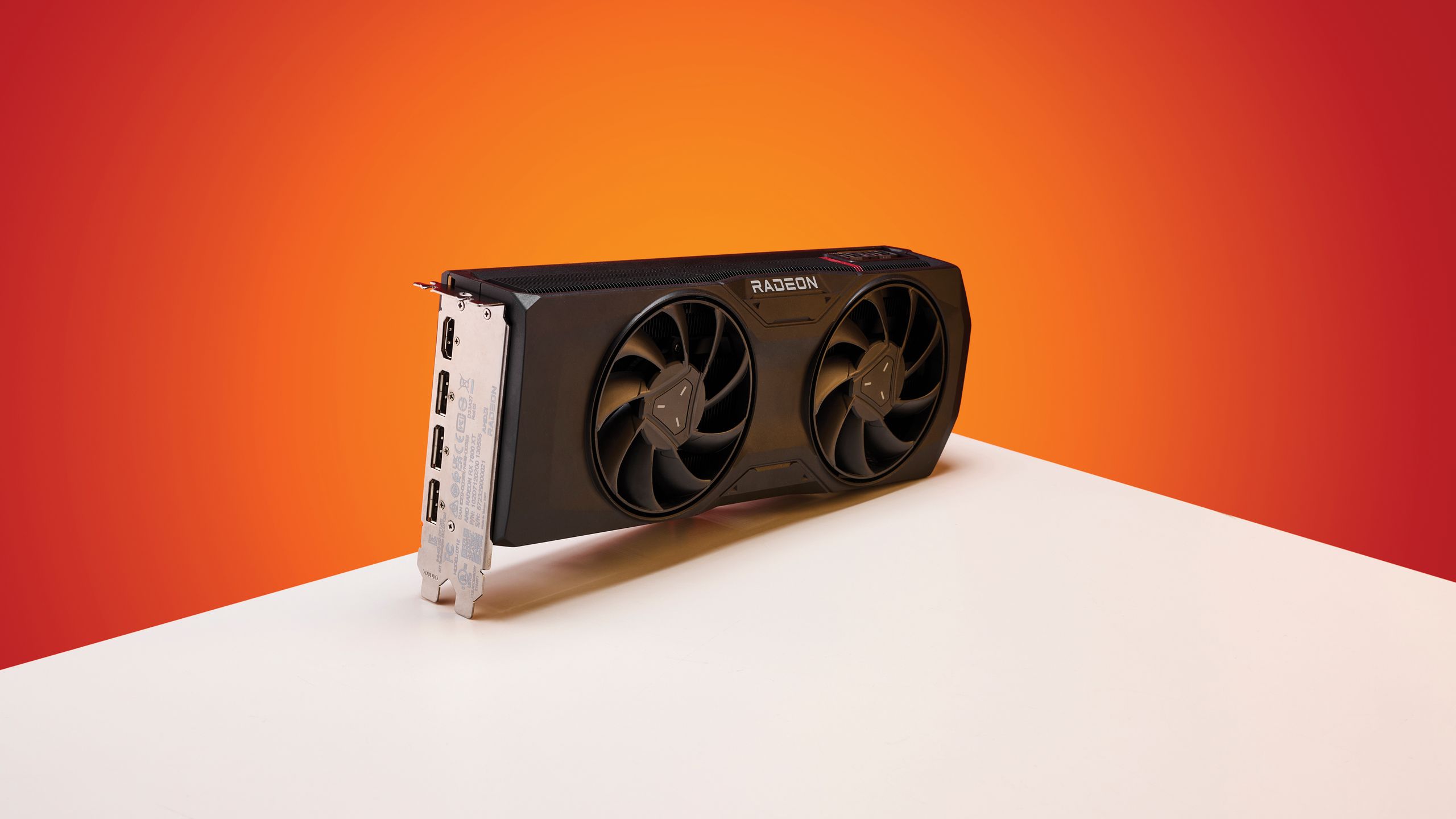
Reports on Reddit indicate that the issue spans multiple generations of AMD graphics cards. Affected models include the Radeon RX 7000 series (such as the RX 7900 XT and XTX), the RX 6000 series (like the RX 6800 XT and RX 6900 XT), and even some earlier RX 5000 series cards. The common factor is that all these cards support the Zero RPM feature. Users with higher-end models that have larger coolers may notice the temperature rise more slowly, but the problem persists. It appears to be a driver-level bug rather than a hardware-specific failure, meaning any AMD GPU with Zero RPM enabled after updating to 26.5.1 could be vulnerable.
What should I do if I've already updated and am experiencing the fan issue?
- Immediately disable the Zero RPM feature via the Adrenalin tuning interface as a temporary fix.
- Monitor your GPU temperatures using software like HWMonitor or the built-in overlay to ensure they stay within safe limits (typically below 85°C under load).
- Consider rolling back the driver to version 26.4.1. You can download older drivers from AMD's official website.
- Keep an eye on official AMD announcements for a permanent patch. In the meantime, you can use the AMD Support page to report the issue.
- If you're uncomfortable making changes, set a custom fan curve in Adrenalin that ensures fans spin at a low speed even at idle, bypassing the Zero RPM logic entirely.
Could a motherboard or GPU BIOS update help resolve the Zero RPM bug?
While a BIOS update for the graphics card or motherboard could theoretically improve fan control stability, the current evidence points to the driver being the root cause. The problem appeared immediately after upgrading to 26.5.1 and disappeared after rolling back, which strongly suggests a software bug. Updating your GPU's BIOS (VBIOS) might offer a workaround if the BIOS manages fan curves differently, but it's a riskier procedure and not recommended as a first step. Instead, stick to driver-level fixes first. If you're adventurous, check your GPU manufacturer's website for any VBIOS updates, but be aware that a failed flash can brick the card. In most cases, waiting for AMD to release a driver hotfix is safer and more effective.